
Onit vs. Wispr Flow
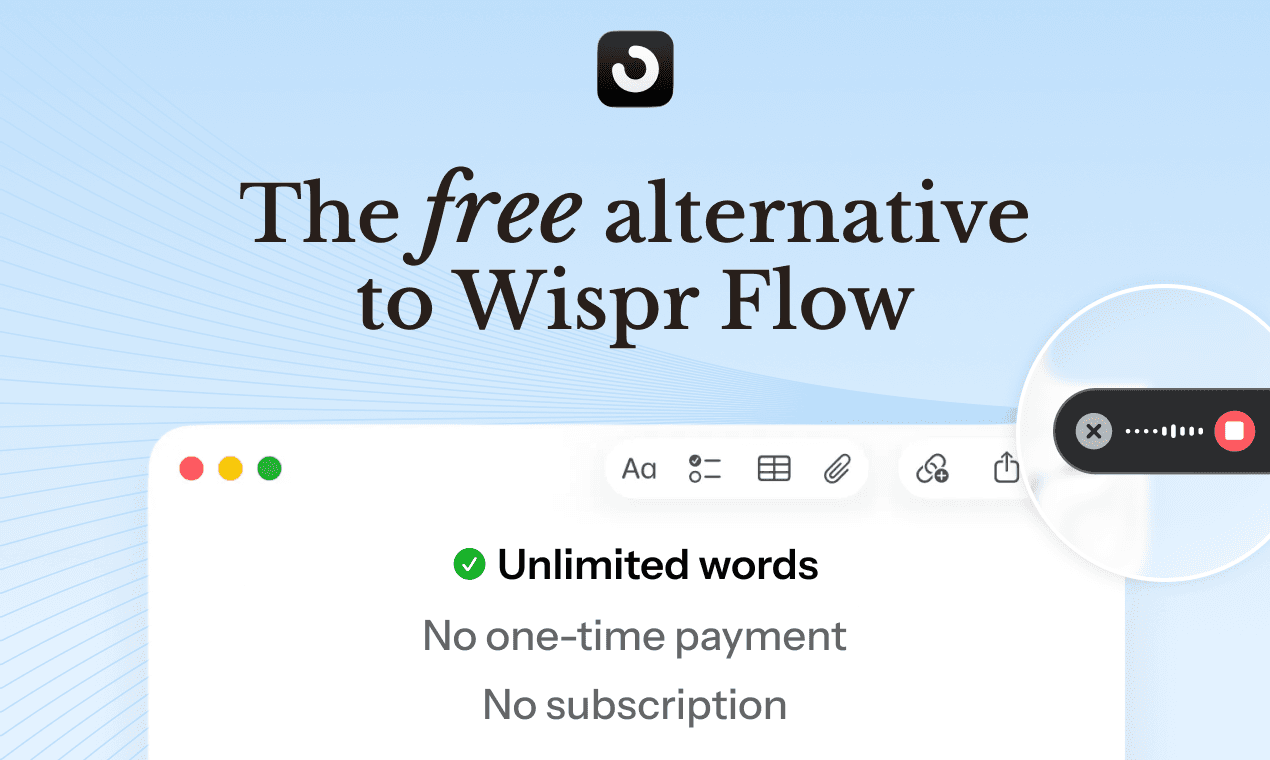
Wispr Flow is $12/month. Onit is completely free, because it runs entirely on your Mac, not our servers. Same core features. No subscription or one-time payment.
Feature comparison
Onit meets the benchmark
Switching to Onit doesn't mean giving anything up. Here's how the two stack up.
Feature
Onit
Pricing
For unlimited words
Free
Free word limit
Dictation cap
Fully local
Your voice never leaves your mac
Works offline
Dictation available offline
AI editing
Improve or polish your transcript
Smart Cleanup
AI removes fillers, fixes formatting & punctuation
Learn vocabulary / Dictionary
Model adapts through corrections
Transcript history
View and manage past dictations
Multi-language support
25+ languages
Works in every app
Insert into any text field on your Mac
Custom hotkey
Hold key to start dictating
Hands-free mode
Double tap key to start dictating
Accessible from the screen
Has clickable entry point
Personal statistics
View things like WPM and time saved
iOS app
Dictation on your iPhone
Prioritized feature request
Request specific features
Why it's free
Why is Onit free when Wispr Flow isn't?
Most voice dictation apps send your audio to remote servers to process it. That costs money, so they charge you. Wispr Flow runs in the cloud, which is why it costs over $140 yearly.
Onit runs entirely on your Mac. No servers means no infrastructure costs — and since there's nothing to charge for, we don't. Your voice is processed locally, stays on your device, and never touches our infrastructure.
Local = Free + Private + Offline
Because everything runs on-device, Onit is:
Free forever — no subscriptions, no word limits, no paywalls
Completely private — your voice data never leaves your Mac
Works offline — dictate even when your Wi-Fi doesn't
Smart Cleanup
Dictation that cleans itself up
Basic dictation just transcribes what you say — filler words, incomplete sentences, and all. Onit's local AI automatically polishes your transcript before it's pasted: removing "um"s and "uh"s, fixing punctuation, formatting lists and emails, converting "at three thirty pm" to "3:30 PM."
It all happens on your Mac — nothing is sent to a server to process. The result is clean, ready-to-use text, every time.
What Smart Cleanup handles
Filler word removal ("uh," "um," "like," "you know")
Auto-punctuation and capitalisation
Number and time formatting ("three thirty pm" → 3:30 PM)
Email address formatting
List and structure formatting
and more…
Decision guide
So, which one should you choose?
Choose Onit if…
You want completely free voice dictation
You quickly run out of your 2,000 weekly word limit
You want a fully local and private solution
You work offline or have spotty Wi-Fi
You want to influence the product roadmap
Choose Wispr Flow if…
You're okay with paying
You prefer a cloud-first, voice-command approach
You need team or collaboration features
You're on Windows or Android
FAQ
Can't find your question? Join our Discord 👾 to chat with the team.
Is dictation really free?
Yes, it's guaranteed free for individual, non-commercial use for the first 5000 sign-ups! If you want to incorporate Onit into your team or organization, please check out our Enterprise plan.
Do I need an account?
No, and you can still use Onit for free without an account, at least for now. That said, we strongly encourage people to sign up (Google or email+magic link) to secure their free seat! An account will also be useful to connect your experience if you decide to get our upcoming mobile app. Lastly, we rely on user feedback to improve our product, and without your email, we can't reach out and hear your thoughts. At the end of the day it's your call, but Onit stays 100% private regardless!
How can dictation be free?
Because it's local. "Local" means Onit runs on your Mac — not our servers. No cloud processing means no infrastructure costs, so we don't need to charge you. It also means your voice data never leaves your computer.
Does it send my voice to the cloud?
Nope! We take pride in that Onit's Voice Dictation is fully local. However, if you choose to use our other tools, such as QuickEdit, some remote processing is involved.
How is Onit different to Wispr Flow?
Wispr Flow is $12/month and only offers 2,000 free words/week. Onit is completely free while offering the same features. Check our "compare" page to learn more!
How is Onit different to Mac's native dictation?
Mac provides basic dictation that outputs exactly what you say. Onit uses a custom built local model (Smart Cleanup) to polish and format transcripts e.g. by removin unwanted filler words, formatting numbers, lists, URLs and more. Onit also has a built-in correction system and dictionary which both work to improve your model over time to adapt to your personal usage.
Where can I use Onit Voice Dictation?
Anywhere on your Mac! That includes all your apps and websites.
What are the system requirements?
Onit required an M-series Mac to run.
How does Onit run locally?
By default, we're using Parakeet V3 on MLX and a fine-tuned Llama 1B for cleanup!
Can I still use the CapsLock function if I use it as my Onit shortcut?
Yes! Use Shift + CapsLock