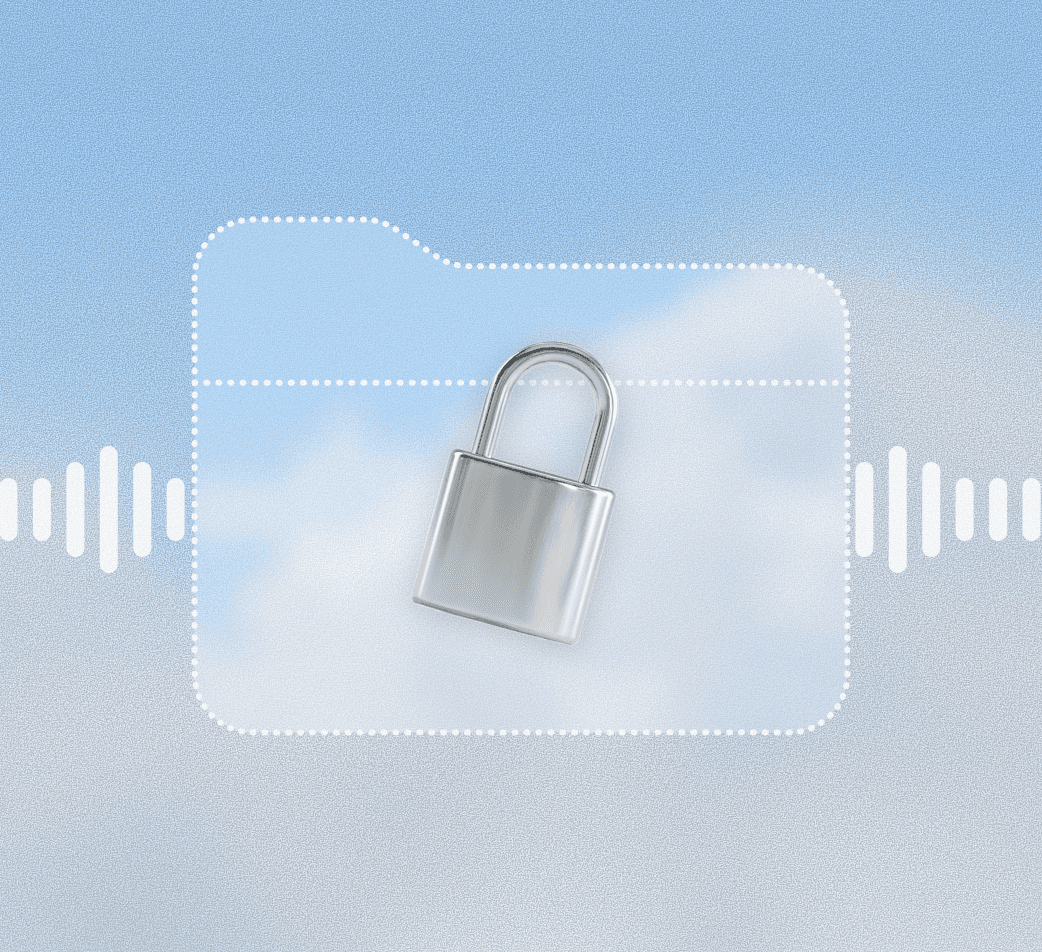
Onit operates 100% locally.
By using local AI models, all dictation and processing can happen directly on your device without the use of remote servers or third-party tools.
Works fully offline!
We believe in transparency. Access the code and let your IT team audit exactly what runs on your machines.
The problem with
cloud-based dictation…
Popular dictation tools like Wispr Flow operate on the cloud which inherently poses security and privacy threats regardless of compliance.
Onit eliminates all these risks!l
Potential risks include:
Data gets uploaded to remote servers:
Audio files
Transcripts
Surrounding screen context (for accuracy)
Remote AI models can train on data
Data labelers may review content
Onit started free for individuals because we wanted to build in public, with real feedback from real users. The result is a reliable tool made for serious work.
Our Enterprise Plan takes the experience to the next level and makes it possible for your team and organization to safely adopt a new tool into your workflow.
Contact us to learn more
24/7 dedicated support
Prioritized feature-requests
Accountability
FAQ
Can't find your question? Join our Discord 👾 to chat with the team.
How much is the Enterprise plan?
Pricing depends on team size amongst other factors. Please reach out to us to discuss the right price for you!
Does it send my voice to the cloud?
Nope! We take pride in that Onit's Voice Dictation is fully local. However, if you choose to use our other tools, such as QuickEdit, some remote processing is involved.
How is Onit different to Wispr Flow?
Wispr Flow is a cloud-based tool whereas Onit operates fully locally on your device.
How is Onit different to Mac's native dictation?
Mac provides basic dictation that outputs exactly what you say. Onit uses a custom built local model (Smart Cleanup) to polish and format transcripts e.g. by removin unwanted filler words, formatting numbers, lists, URLs and more. Onit also has a built-in correction system and dictionary which both work to improve your model over time to adapt to your personal usage.
Where can I use Onit Voice Dictation?
In any text field on Mac, Windows and iOS!
What are the system requirements?
On Max, Onit required an M-series to run.
How does Onit run locally?
By default, we're using Parakeet V3 on MLX and a fine-tuned Llama 1B for cleanup. You can download and use different local models in Settings!

Onit Dictate is the free alternative to Wispr Flow. 100% local, offline dictation on Mac.
Company
© Onit 2026