

⭐️
799
Stars on GitHub!
Eliminate context-switching and get more done, faster — right from the edge of your screen.

It's like Cursor Chat,
but everywhere




















Privacy FAQ

tl;dr Nothing you share with Onit is ever stored by us. You're always in control of what data gets uploaded.
Where does my data go?
How does auto-context work?
What is local mode?
Do you collect any usage data?
Create AI profiles
Customize your system prompt and set app-specific defaults.
System Prompt
Name
Microcopy assistant
Default applications

Figma
System Prompt*
You are a microcopy assistant specialized in crafting clear, concise, and user-friendly microcopy for digital products. Your expertise includes creating precise wording for buttons, labels, placeholders, tooltips, notifications, alerts, error messages, onboarding content, and other UI text elements. Ensure your suggestions follow usability best practices, accessibility standards, and reflect appropriate tone and style based on context, target audience, and product goals.
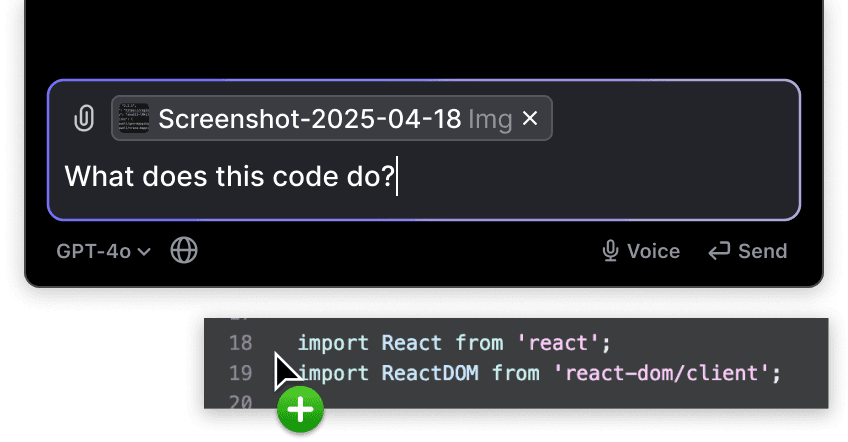
Upload files
Drag & drop files or upload from computer.
Code blocks
Write, edit, and explore code with ease.
Swift
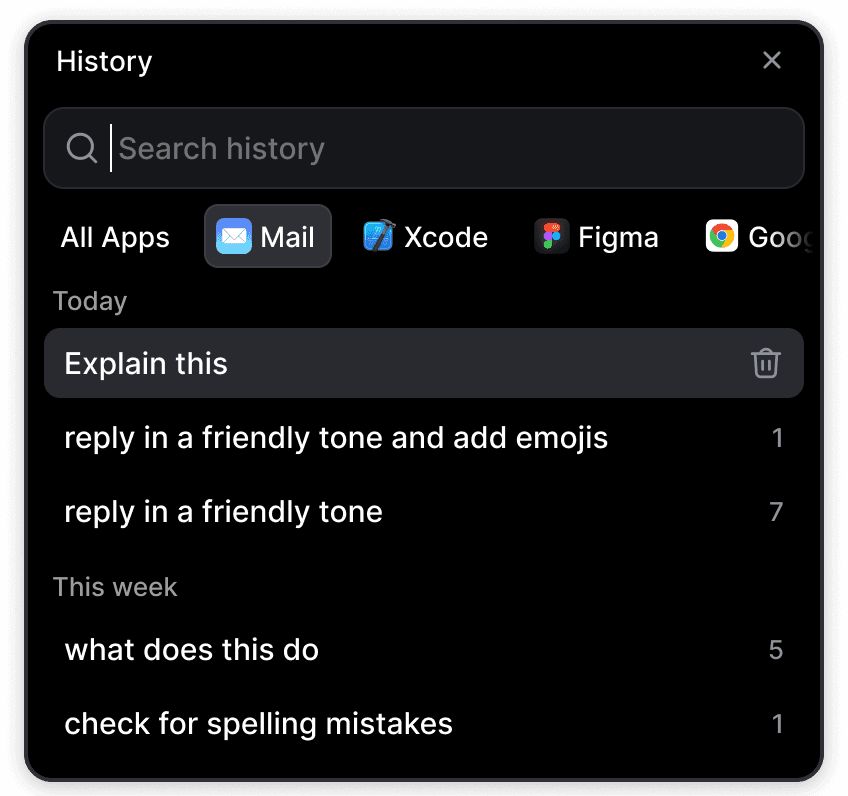
History
Browse global or app-specific chat history
Voice input

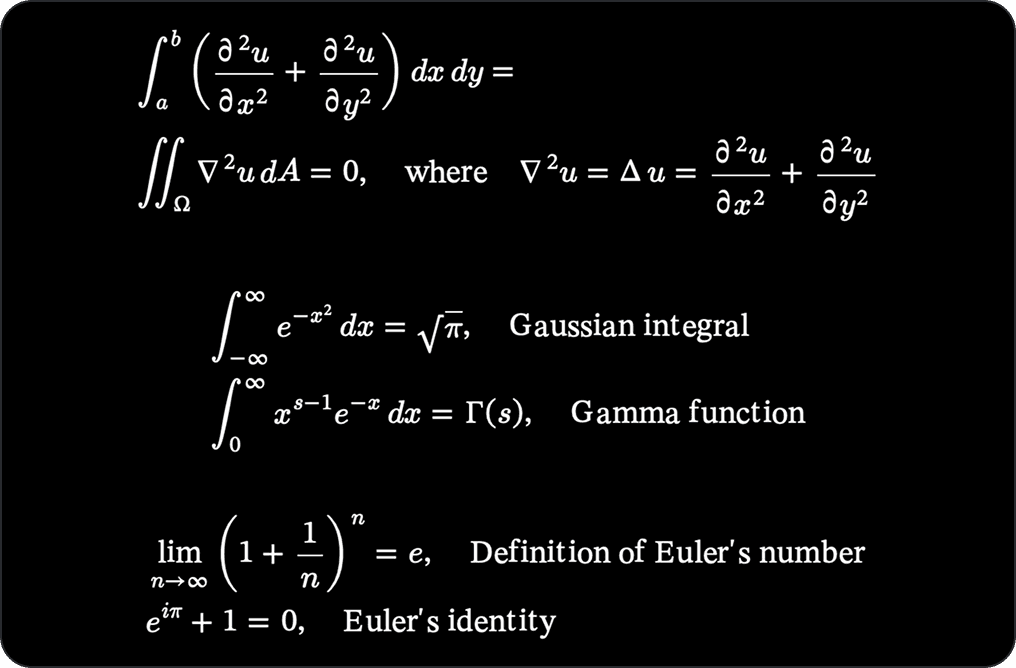
LaTeX Support
Renders LaTeX equations
Recent highlights 🚀
Stop response
Pin Onit to your screen
Accounts
Web search
Voice input
History
Streamed responses
System prompts
No plan
$0
/month
Use with own APIs
Core features
Free
$0
/month
50 request / month
All models
Pro
$7.99
/month
1000 requests / month
All models
Priority support
2-week pro trial included!

